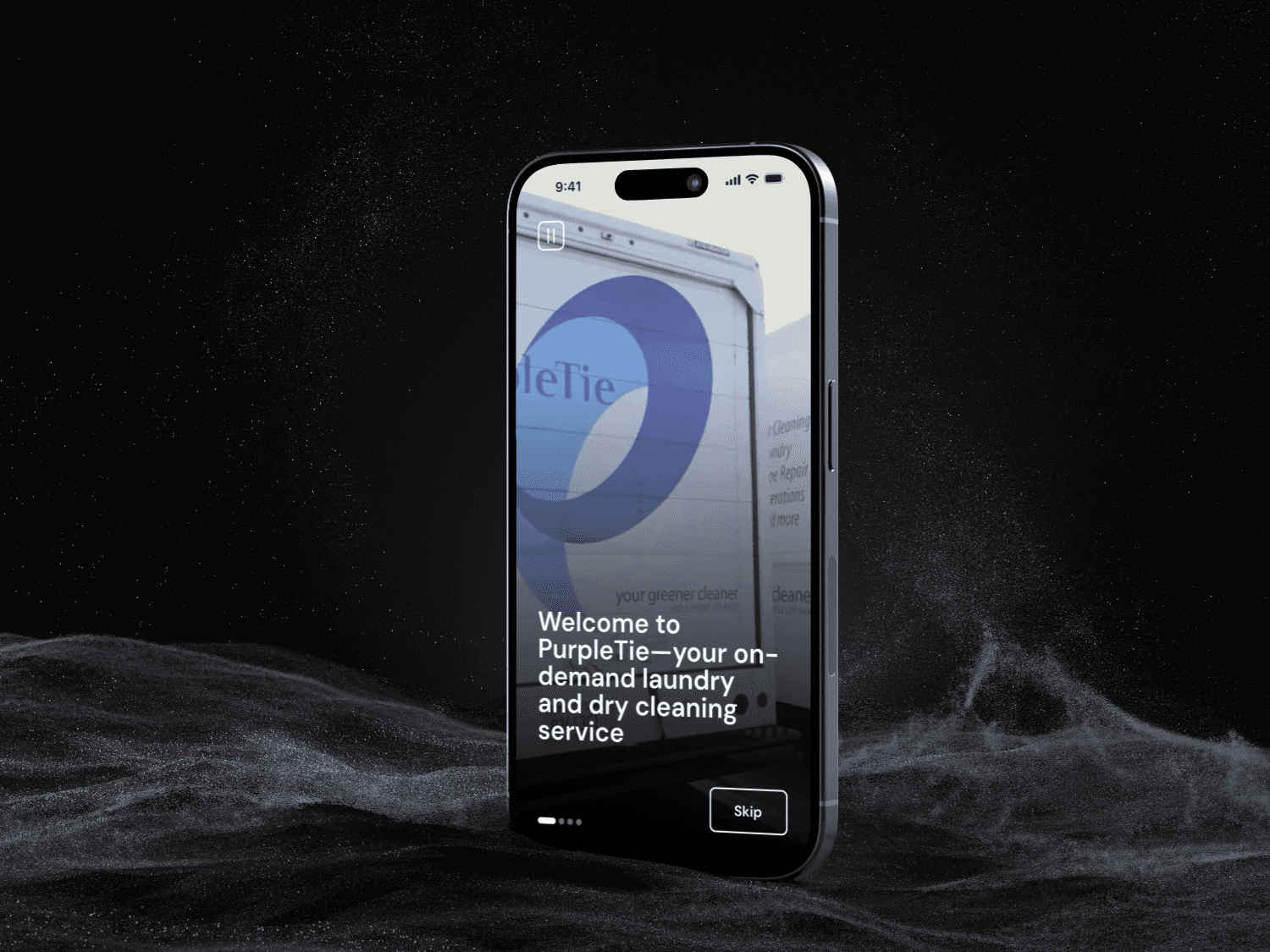
Project Summary
PurpleTie is an on-demand laundry and dry cleaning service for individuals living or working in the Bay Area, servicing 10,000 users and 400+ companies, including Apple, Microsoft, Google, and Adobe. PurpleTie approached our team to redesign their mobile app to create a more seamless, professional, and accessible experience.
The redesigned app delivers a smooth and engaging experience for both individual and corporate users, and high fidelity designs were approved by stakeholders. The redesigned app is now available for download in the App Store.
The Challenge
PurpleTie’s mobile app was untrustworthy and difficult to use due to poor navigation, missing service information, lack of pricing transparency, and an outdated visual design. These issues created friction for users trying to schedule laundry and dry cleaning services and made the app feel unreliable.
Our users are individuals living or working in the Bay Area who need a fast, reliable, and clear way to manage their laundry and dry cleaning. Within an 8-week timeframe, we focused on improving key user flows, clarifying information, and creating a professional, seamless, and accessible app experience, with high-fidelity designs approved by stakeholders and ready for development.
Results
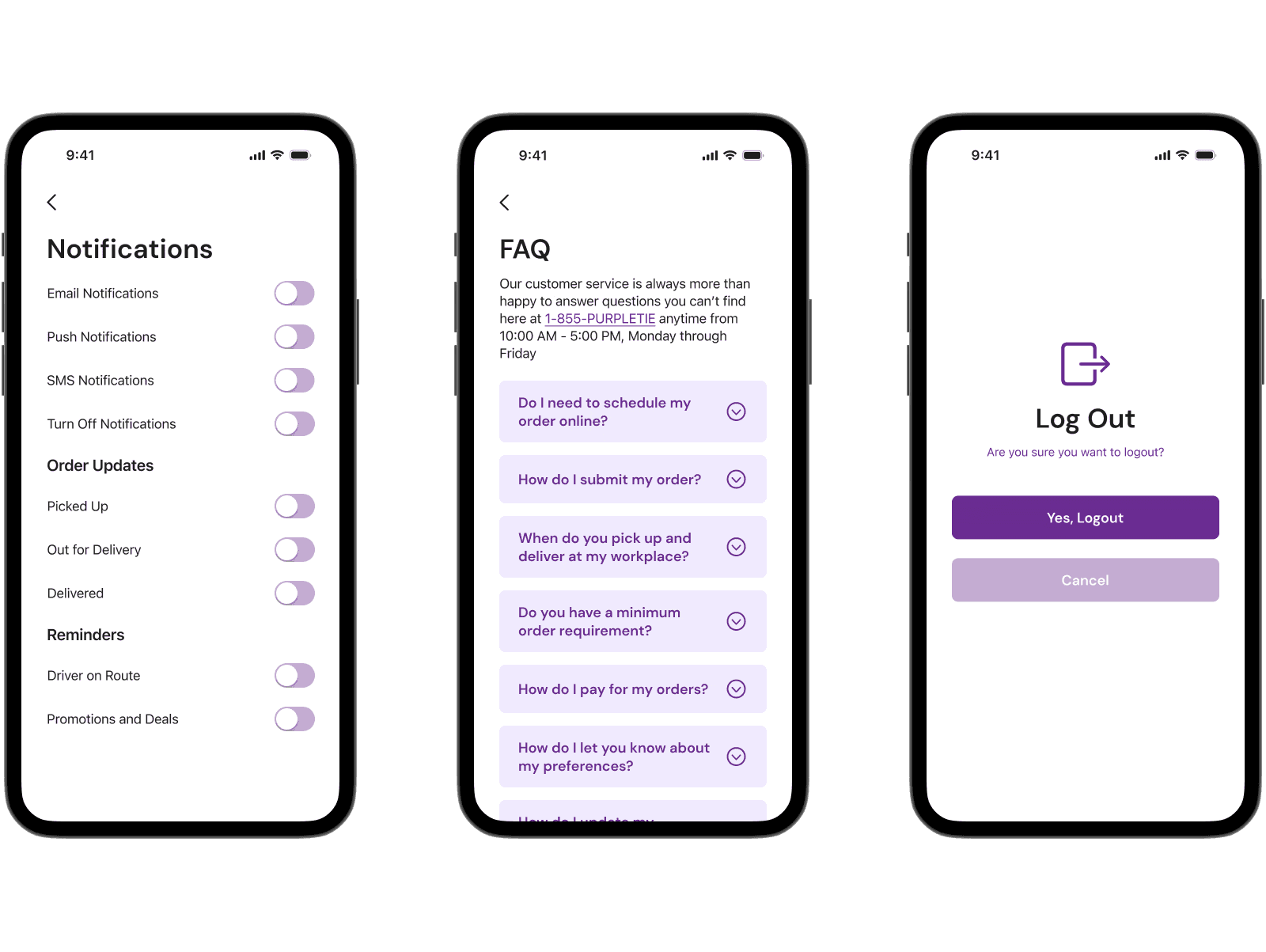
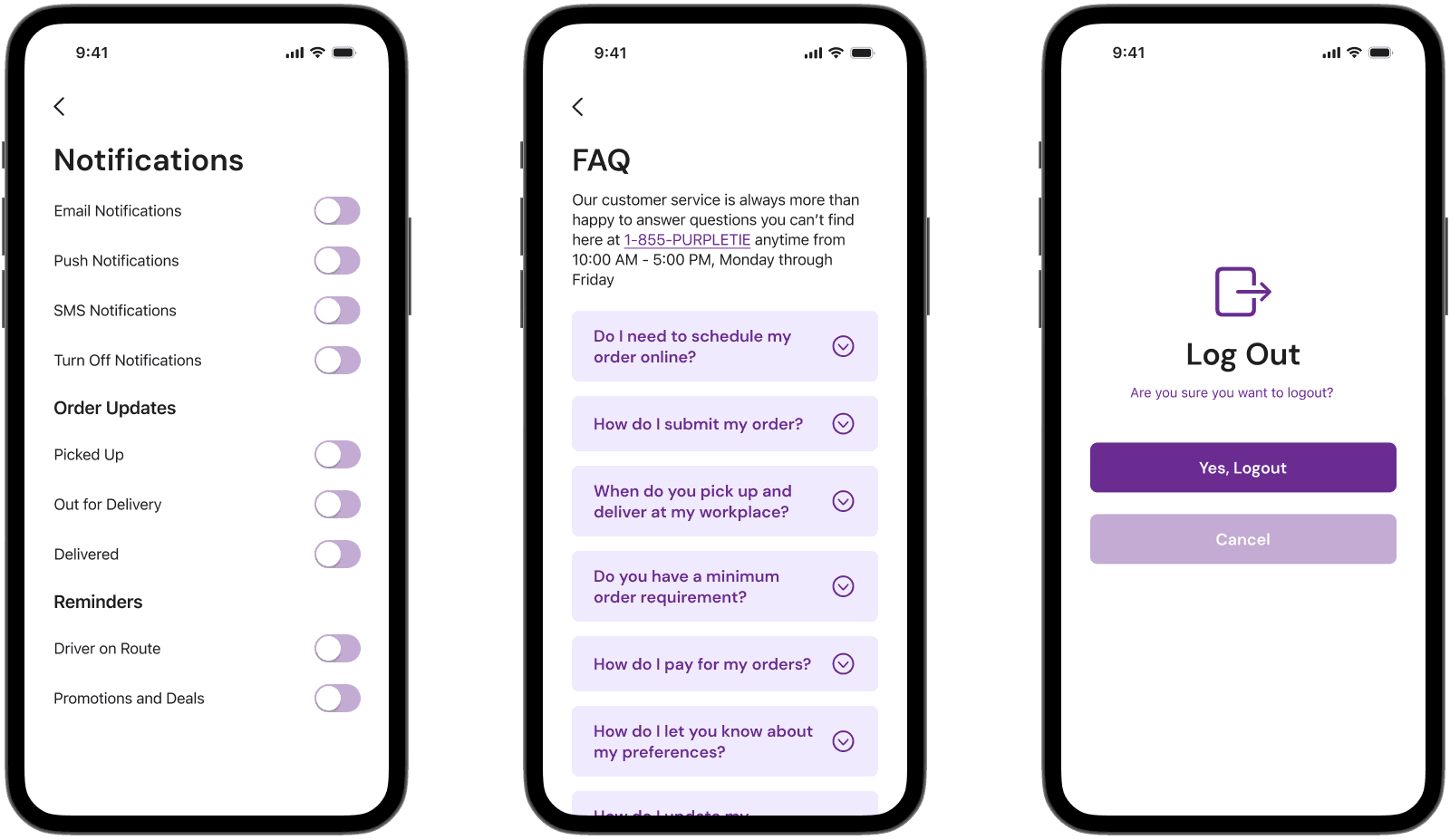
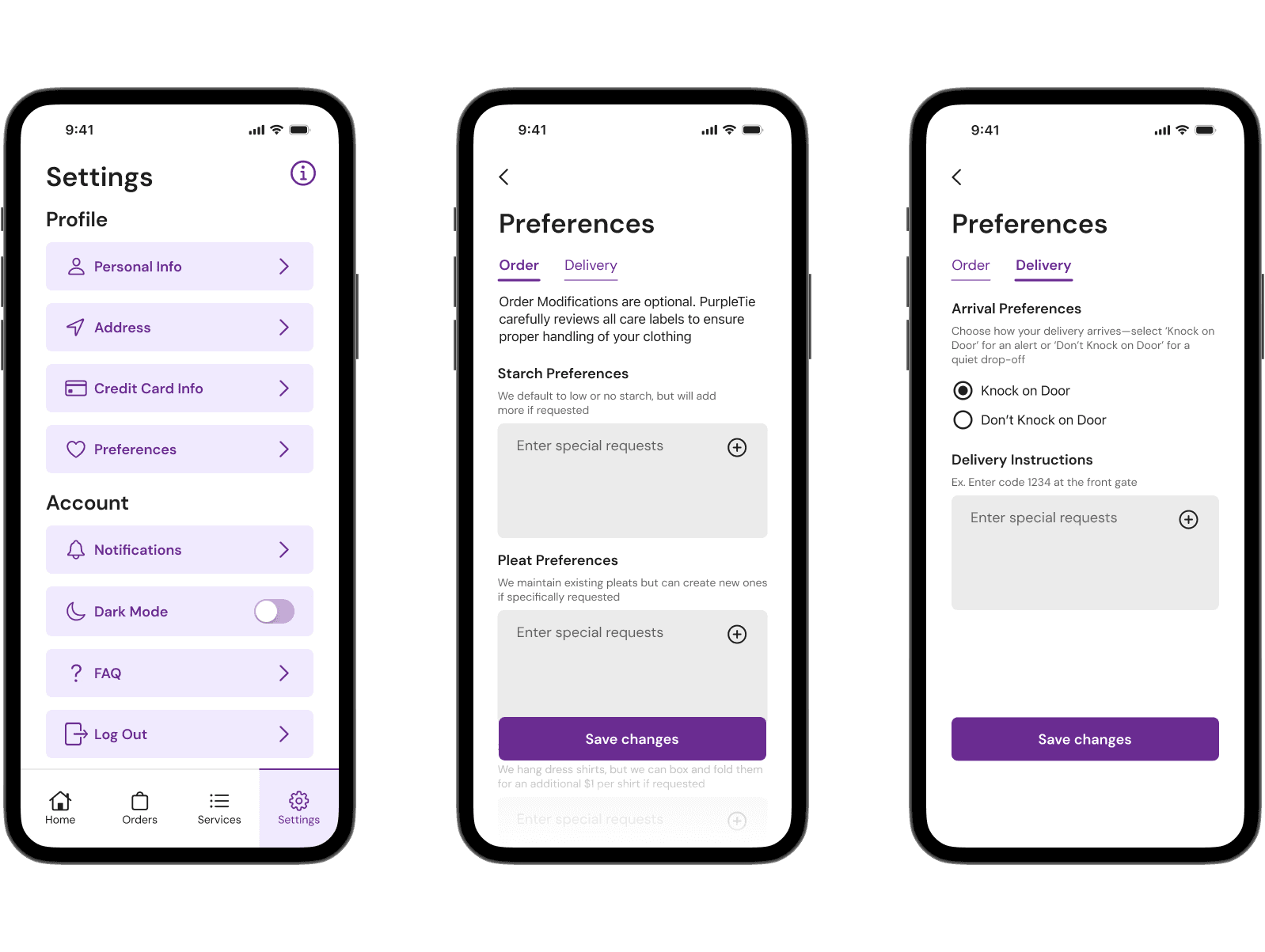
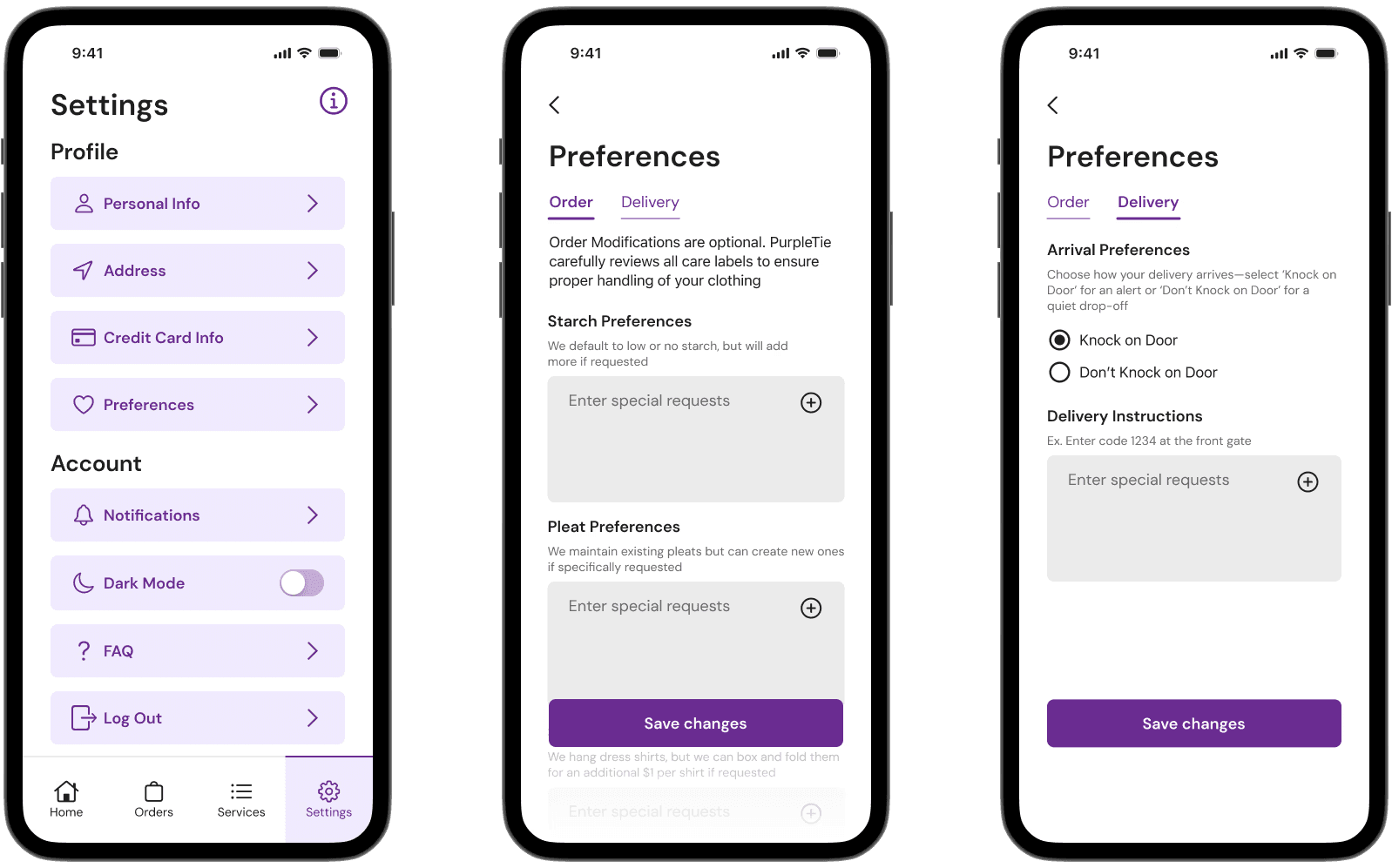
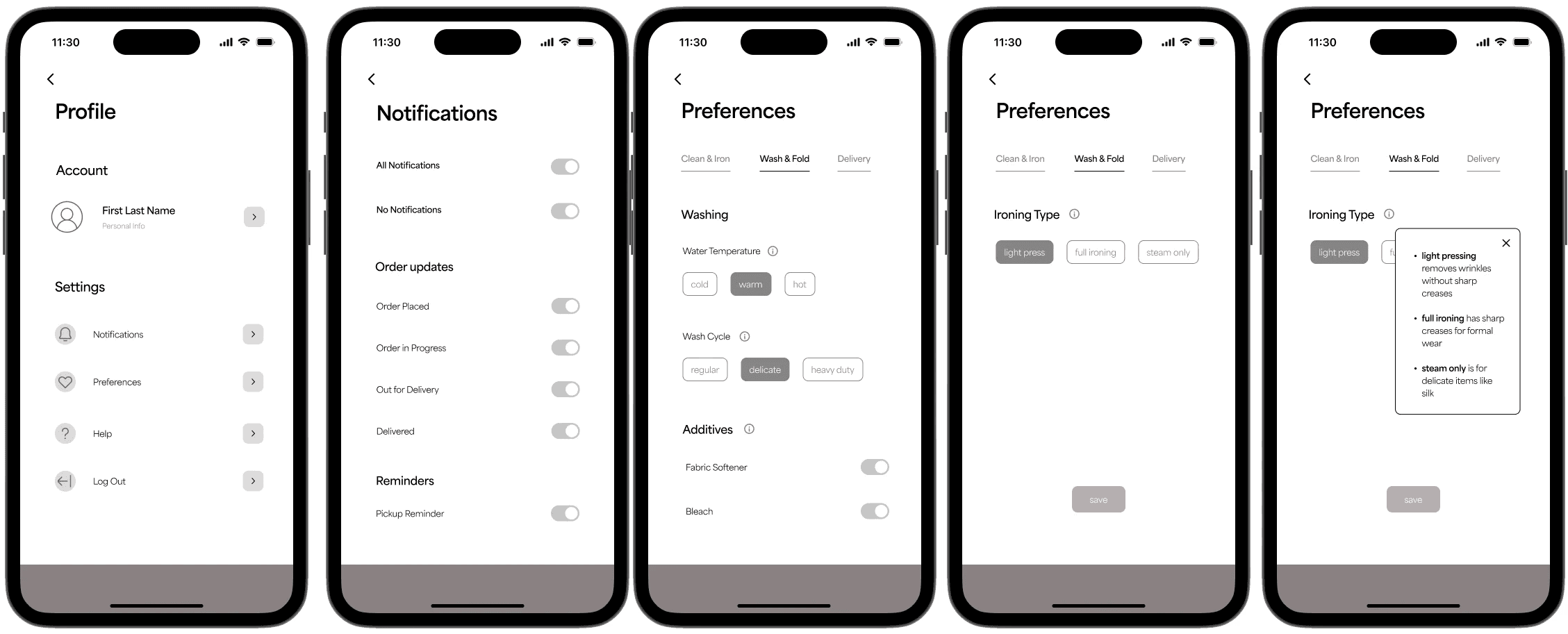
I redesigned the Notifications and Preferences pages to be cleaner, more intuitive, and easier to navigate, improving hierarchy, clarity, and usability. Stakeholders were satisfied with the high-fidelity screens, which are ready for handoff, and the final redesign is released in the Apple App Store.
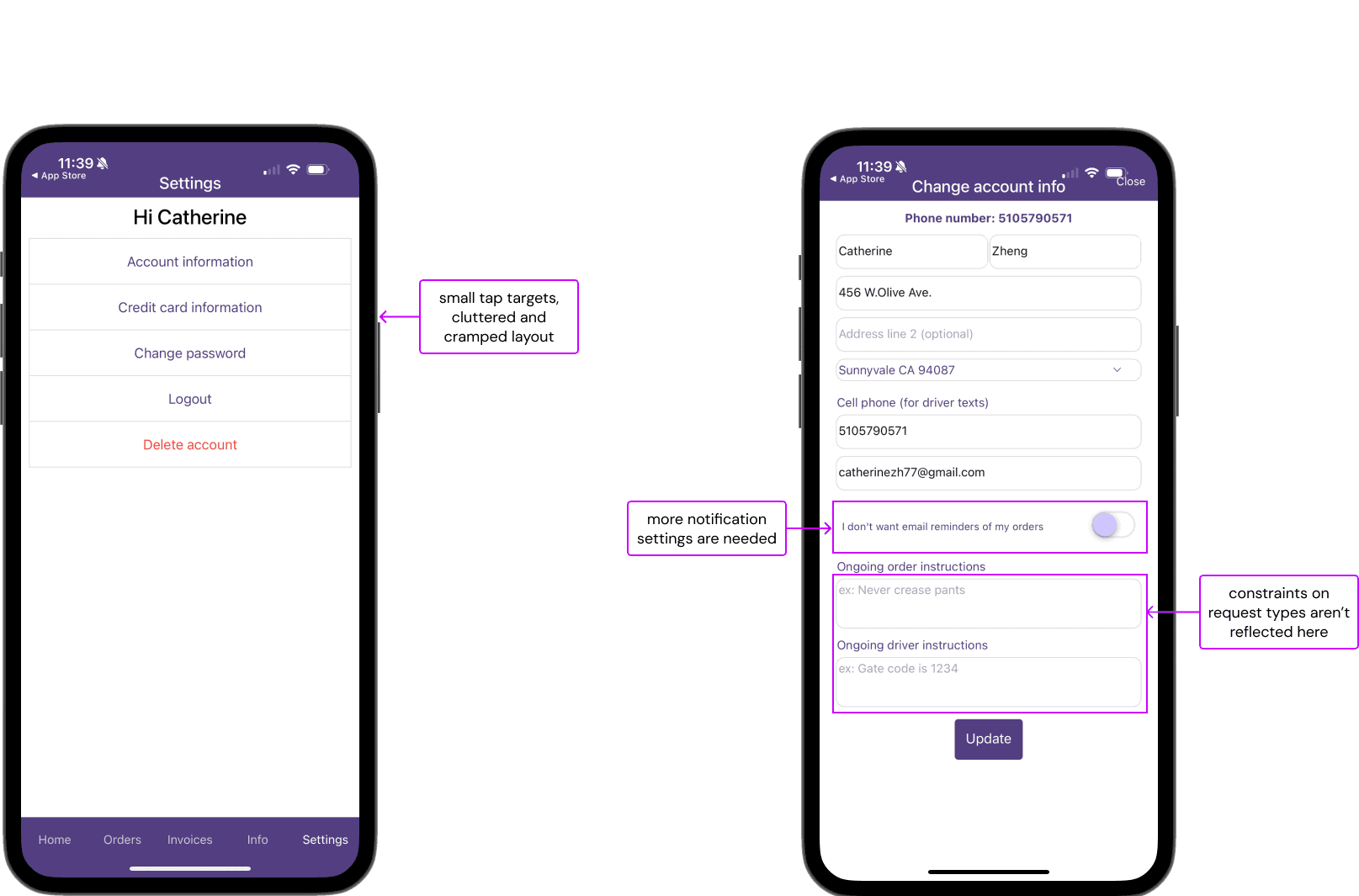
User Needs and Potential Solutions
Based on user research conducted through 10 user interviews, we identified key user needs:
Trust & Professionalism: Consistent branding, clean visual design, and legible typography to inspire confidence.
Simple Navigation: Clear visual hierarchy, large buttons, and dedicated screens for key content.
Order Control & Customization: Dedicated preferences page, save/reuse instructions, and order progress tracking.
Users in particular needed specific guidance on what requests they could make for the instructions.
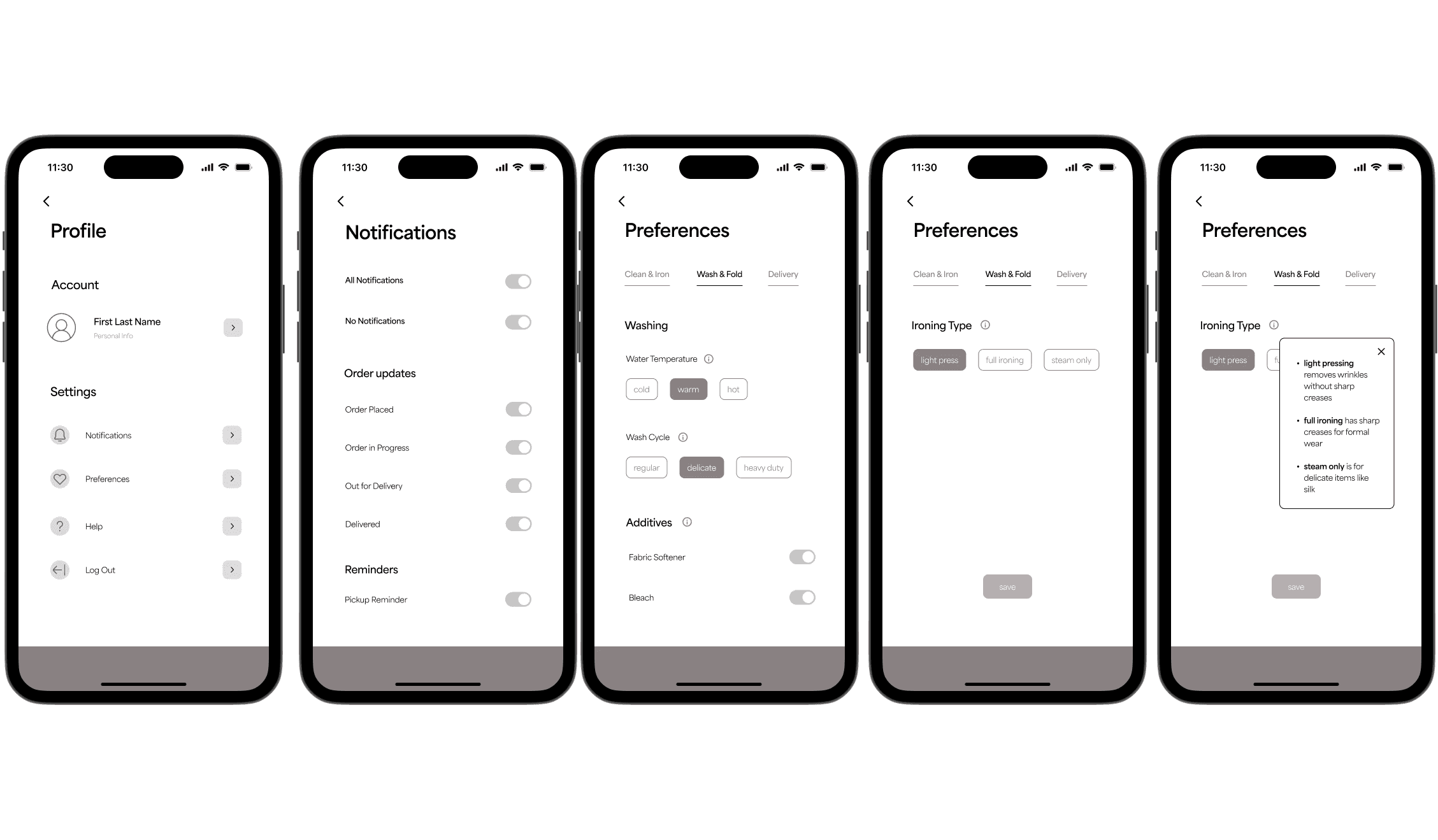
Mid and High Fidelity Designs
Mid-fidelity designs were iteratively refined based on feedback from stakeholders and design professionals, with a focus on progressive disclosure, transparency, and usability.
Initial concept (Lo-fi): Designed selectable buttons for user preferences that could be saved and reused for future orders, aiming to streamline repeat interactions.
Client feedback: The client requested replacing predefined selection buttons with open input fields to allow greater flexibility in user responses.
Usability challenge: During testing, users were uncertain about what kind of information they could enter into the input fields, leading to hesitation and inconsistent inputs.
Design iteration (Hi-fi): Introduced concise helper text beneath each input field to clarify the expected type and range of responses.
Accessibility improvement: Replaced the information icon + tooltip with persistent text guidance, as the small tap target posed usability and accessibility challenges, particularly on mobile devices.